
Quick answer: Most math apps for kids use a freemium model, but “free” means wildly different things. Khan Academy Kids is genuinely, fully free. MathHero lets you complete the entire game free at five levels per day. Many others, including Prodigy Math and SplashLearn, give a limited free taste and put the good parts behind a subscription. This comparison shows exactly what each app unlocks for free versus paid, so you know before you download.
The word “free” on an app store listing hides more than it reveals. One app is free forever with no catch. Another lets you play for ten minutes before a paywall. A third is technically free but useless until you subscribe. For a parent, the question is not “is it free” but “what can my child actually do without paying, and what does the paid version really add?”
This comparison answers that for each app, plainly.
The three kinds of “free” in math apps
Before the list, it helps to name what you are looking at.
Genuinely free
No cost, no ads, no in app purchases. Rare. The whole product is open.
Free game: paid convenience
The complete content is playable free, with a limit on pace or extras rather than on what exists. You can finish without paying; a subscription removes a cap or adds polish.
Free demo: paid product
A small slice is free to hook the child, and most of the real content or motivation sits behind a subscription. Common, and easy to mistake for the second kind until your child hits the wall.
Knowing which bucket an app falls into tells you most of what you need.
1. MathHero: free game, paid convenience
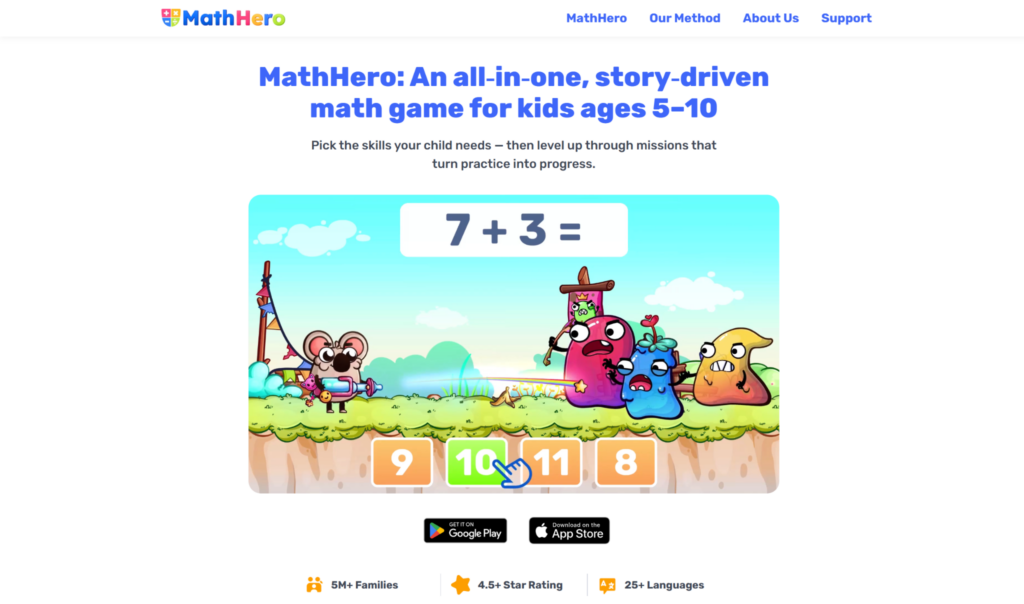
MathHero is a story-driven math adventure for ages 5 to 10 covering addition, subtraction, times tables, and division. What matters for this comparison: the entire game is completable for free, with no locked content and no ads. The only limit is pace, five levels per day. A subscription with a free trial removes that daily cap.
What you get free. The whole adventure. Every topic, every level, the full story, all the customization: topic and difficulty selection, typed versus multiple-choice, monster speed. A child can genuinely finish the game without you paying a cent. Five levels a day is a solid short practice session, which happens to be how math practice works best.
What paid adds. One thing, honestly: it lifts the five-levels-a-day cap for a child who wants to play more. That is convenience, not access. Nothing is walled off from free players.
Why this model is parent-friendly. You see the whole product and whether your child engages before deciding to pay. A parent expecting unlimited free play should know about the daily cap up front, but nothing is hidden and no content is held hostage.
Ratings: Google Play 4.6 (46k) and App Store 4.7 (11k).
2. Khan Academy Kids: genuinely free
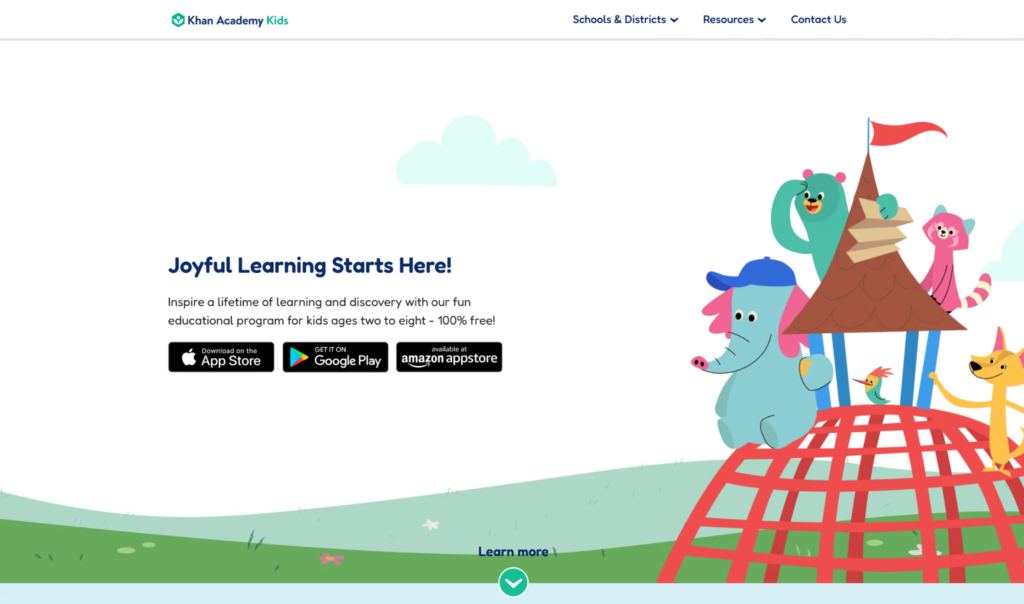
Khan Academy Kids is the rare app in the first bucket: free, ad-free, no in app purchases, for young learners ages 2 to 8. Everything is open, funded by the nonprofit behind it.
What you get free. All of it. Counting, number recognition, early basic math concepts, personalized learning paths, and early literacy too.
What paid adds. Nothing, because there is no paid tier.
The catch. The trade is depth, not money. It is broad and gentle, built for the earliest years, so a child ready for structured arithmetic practice will outgrow it and need to move up.
3. SplashLearn: free demo, paid product
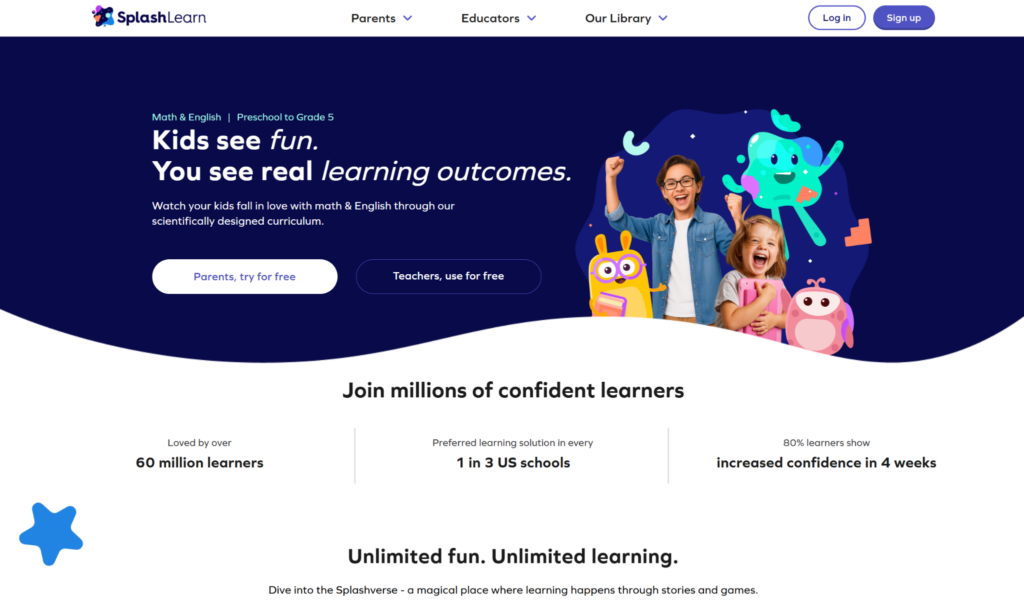
SplashLearn offers a large library of games and worksheets for Pre-K through Grade 5, curriculum aligned. The free tier gives limited daily access, with the full library behind a subscription.
What you get free. A capped set of games per day, enough to sample the style.
What paid adds. The full curriculum-aligned library and unlimited access across the age range.
Check before you commit. Subscription pricing changes and varies by plan, so open the app and confirm the current price rather than trusting any figure in an article.
4. Prodigy Math: free demo, paid product
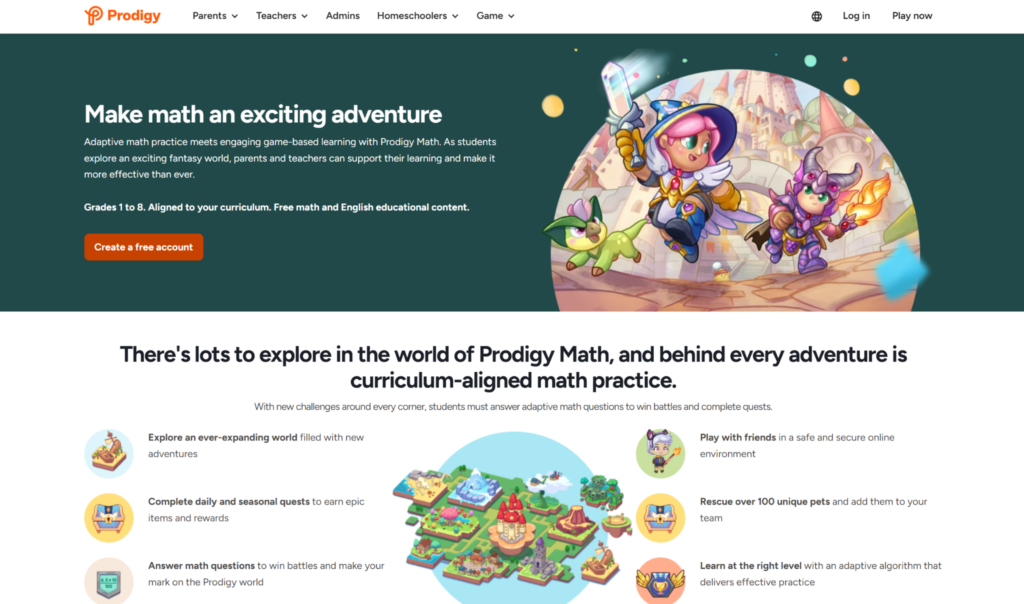
Prodigy Math is a fantasy based math game covering roughly 1st to 8th grade. The game world is free to enter, but much of the genuinely motivating content, rewards, and gear sits behind a paid membership.
What you get free. Access to the core question-answering gameplay and the world, enough to see if your child likes the format.
What paid adds. The rewards and extras that drive much of the motivation, across several membership tiers.
Check before you commit. Prodigy’s prices and tiers change and vary by term and number of children. Confirm the current price on Prodigy’s site or in the app rather than trusting a number from a list. Be aware that for a skeptical child, a rewards paywall can blunt the hook.
5. IXL: free demo, paid product
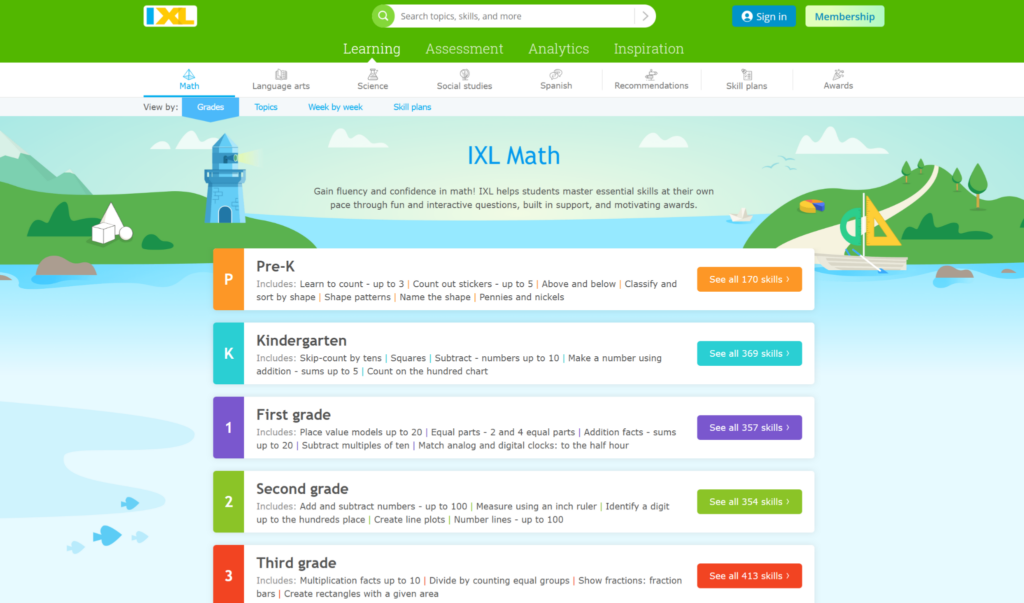
IXL provides math exercises from pre-K to 12th grade with personalized skill recommendations from a diagnostic. The free tier caps how many questions a child can answer per day.
What you get free. A small daily allowance of practice questions.
What paid adds. Unlimited practice, full analytics, and the diagnostic-driven recommendations that are IXL’s main strength.
Check before you commit. IXL subscription pricing changes, so confirm the current rate on IXL’s site. It is a practice tool, not a game, so motivation depends on the child.
6. Elephant Learning: paid product
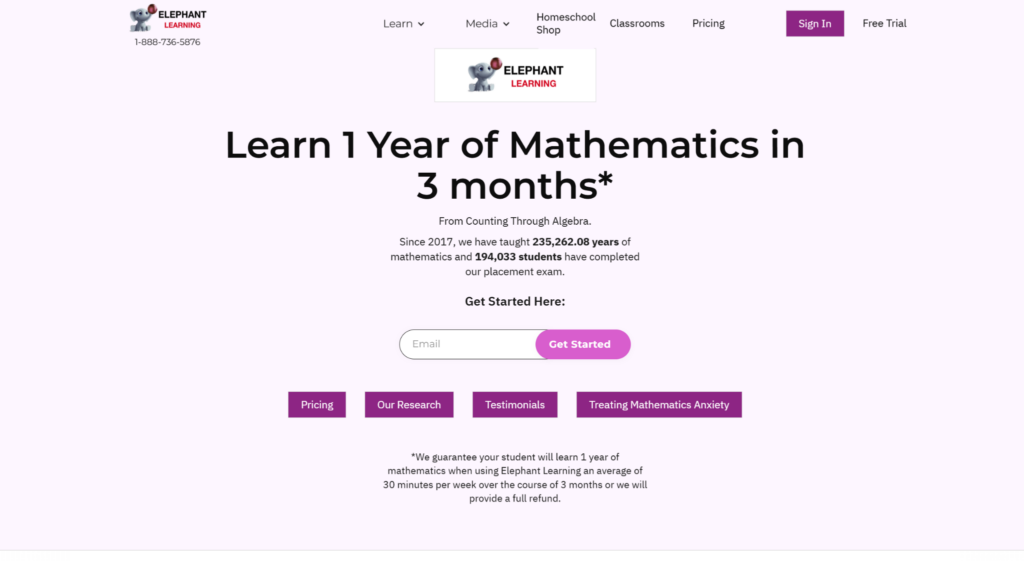
Elephant Learning is a subscription-based math academy that markets accelerated progress. It is primarily a paid product with a limited trial rather than a free game.
What you get free. A short trial period to evaluate it.
What paid adds. The full program. Note that its headline marketing claim about how fast children learn is a company claim, not independent research, so weigh it as marketing. Confirm current pricing on Elephant Learning’s site.
Free vs. paid: how to decide
Start with the genuinely free option for the youngest kids
If your child is 2 to 8 and still on early number sense, Khan Academy Kids costs nothing and has no ads or purchases. There is no reason not to start there.
For arithmetic: favor “free game” over “free demo”
An app where your child can complete the whole thing free, like MathHero, lets you judge real engagement before paying. A free demo only shows you the hook, not whether the motivation lasts past the paywall.
Never trust a price in an article: including this one
App prices change constantly and vary by plan, term, and number of children. For every paid app here, open the app or the developer’s site and confirm the current price yourself. Prices in listicles go stale fast.
Match the paid upgrade to a real need
Only pay when the free version has proven your child will use it and you have hit a real limit, like MathHero’s daily cap for a child who wants more, or IXL’s question limit for a kid who needs heavy reps.
What to check before you subscribe to any math app
Once your child likes a free version and you are weighing the paid tier, run through this before you enter a card number.
Confirm the current price yourself
App prices shift constantly and vary by plan length, tier, and number of children. Whatever number you saw in an article, including this one, open the app or the developer’s site and confirm the live price. This single habit saves more money than any coupon.
Know exactly what the upgrade unlocks
Read the specific difference between free and paid. Is it more content, more access, or just convenience like a lifted daily cap? Pay for a real limit you have hit, not a vague promise of “premium.”
Check the billing term and renewal
Monthly versus annual changes the effective cost a lot, and most subscriptions auto-renew. Note the renewal date and the cancellation window before you commit, so a trial does not quietly become a charge.
Test the free tier hard first
Before paying, push the free version far enough to know your child actually engages over more than a day or two. An app that only shows you a hook cannot tell you whether the motivation lasts. An app you can complete free, like MathHero, tells you the whole story before you spend anything.
Getting real value from a math app subscription
Paying is not the goal. Improvement your child sticks with is. A few ways to make a subscription worth it.
Pair the model to your child
A child who will only practice inside a game gets more value from a story-driven app than from a diagnostics tool they ignore. A child who needs targeted, curriculum-aligned reps may get more from IXL or DoodleMath. Match what you pay for to how your child actually engages.
Use the parent controls you paid for
Progress tracking, per-topic settings, and difficulty controls exist to be used. Point the app at your child’s weak spot, watch the progress, and adjust. A subscription you steer beats one you set and forget.
Cancel without guilt when it stops earning its place
If a child finishes the content or drifts away, cancel. The best math apps make it easy to leave and come back. Paying month after month for an app gathering dust is the most common way families waste money here.
Frequently asked questions
What is the best genuinely free math app for kids?
For ages 2 to 8, Khan Academy Kids is fully free with no ads or in app purchases. For elementary arithmetic, MathHero’s free mode lets a child complete the entire game at five levels per day, which is more open than most freemium apps.
Is a paid math app worth it?
Only after the free version proves your child engages. Pay to remove a real limit you have actually hit, not to unlock a product you have not tested. Starting free tells you what you need to know.
Why do free math apps have daily limits?
A daily cap paces practice and funds the app. MathHero’s five-levels-a-day free mode is honest about this: the whole game is open, the limit is only how much per day, and short daily sessions are how math practice works best anyway. A subscription lifts the cap.
How do I avoid surprise charges?
Read what “free” means for each app before downloading, and confirm current subscription prices in the app or on the developer’s site. Watch for the “free demo, paid product” pattern, where free play ends at a paywall sooner than expected.
The freemium patterns worth spotting
Once you know what to look for, the business model behind a “free” math app becomes easy to read, and easier to judge.
The daily-cap model
The app gives you the full content but limits how much per day. This is the most parent-friendly gate, because nothing is walled off, only paced. MathHero uses this: the whole game is free, capped at five levels a day, and a subscription lifts the cap. You can evaluate everything before paying.
The content-lock model
The app opens a slice and locks the rest behind a subscription. You can see the style but not the substance for free. SplashLearn and, in effect, Prodigy Math lean this way, since much of the content or the motivating rewards require paying. Useful, but you are judging a sample, not the whole.
The trial-only model
The app is really a paid product with a short free trial, like Elephant Learning. You get days, not features, to decide. Fine if the trial is long enough to see real engagement, risky if it is not.
Reading the model before you download
Check the app store listing and the developer’s site for how “free” is defined before you install. A minute of reading tells you which of these three you are getting and saves the disappointment of a child hitting a paywall mid-session. None of the three is inherently bad. The daily-cap model just gives parents the most to evaluate for free.
The bottom line
“Free” is three different promises. Khan Academy Kids is free with no catch for the early years. MathHero gives you the whole game free at five levels a day, so you can see real engagement before paying, and the only upgrade is lifting that cap. Prodigy, SplashLearn, IXL, and Elephant Learning gate more behind subscriptions, so check current prices yourself and test the free tier hard first. Pay only when your child has proven they will use it.